PeerLLM v1.6.0 Released!
Multi-Model, Multi-Chat, and Token Redemption
I’m excited to ship PeerLLM v1.6.0 — a release that reshapes how the app handles models, memory, and multi-conversation workflows. This version takes PeerLLM from a single-model runtime to a true multi-model, multi-chat platform, with a rebuilt memory layer underneath to keep everything stable on real hardware.
Here’s what’s new.
0. A Refined Chat Experience
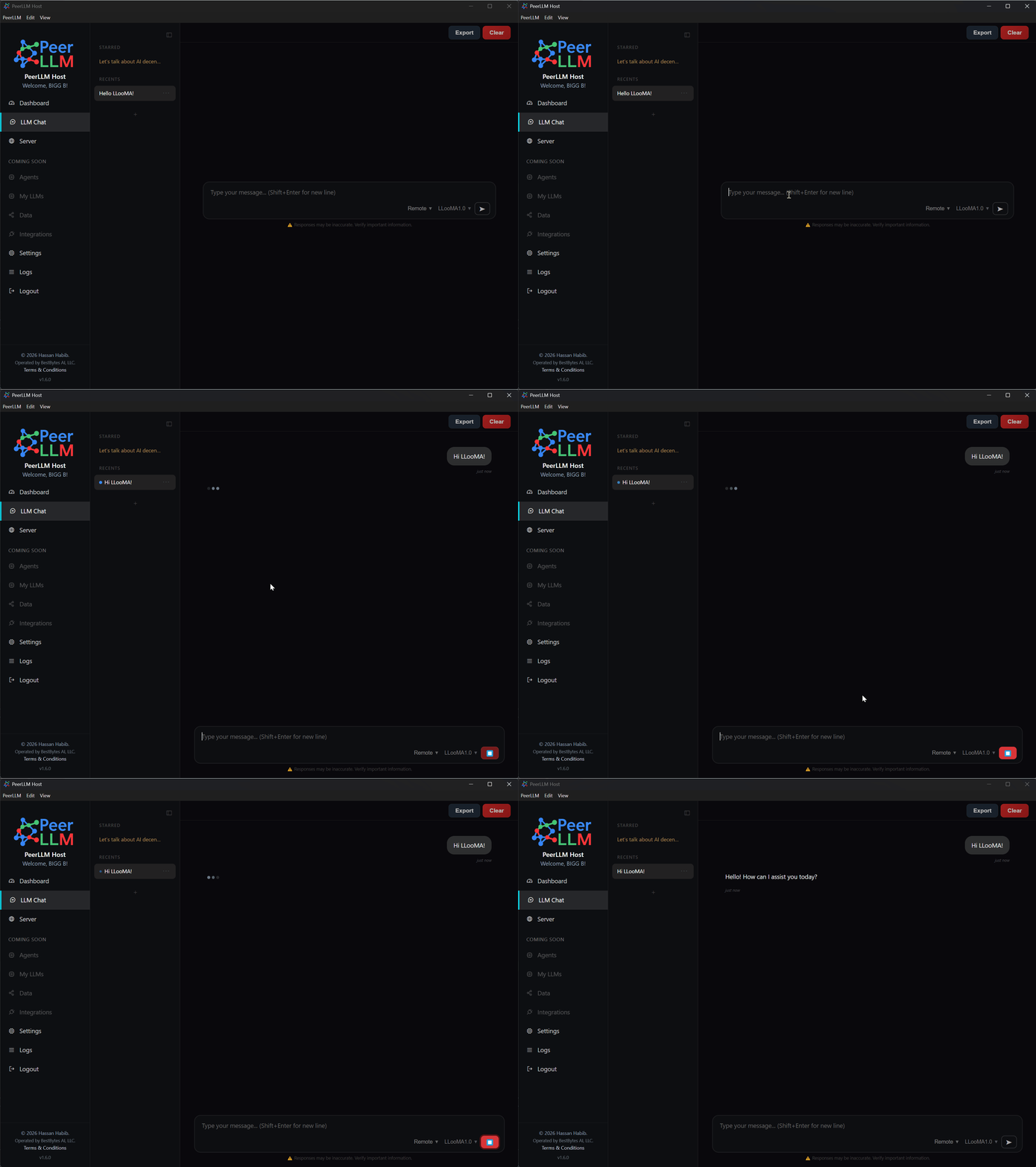
The chat input has been redesigned to feel intentional from the very first moment. When no conversation has started, the input sits centered and ready; once you send your first message, it slides into the standard bottom position. A small polish that makes the “ready to chat” state feel purposeful instead of empty.
1. Multiple Chats at the Same Time
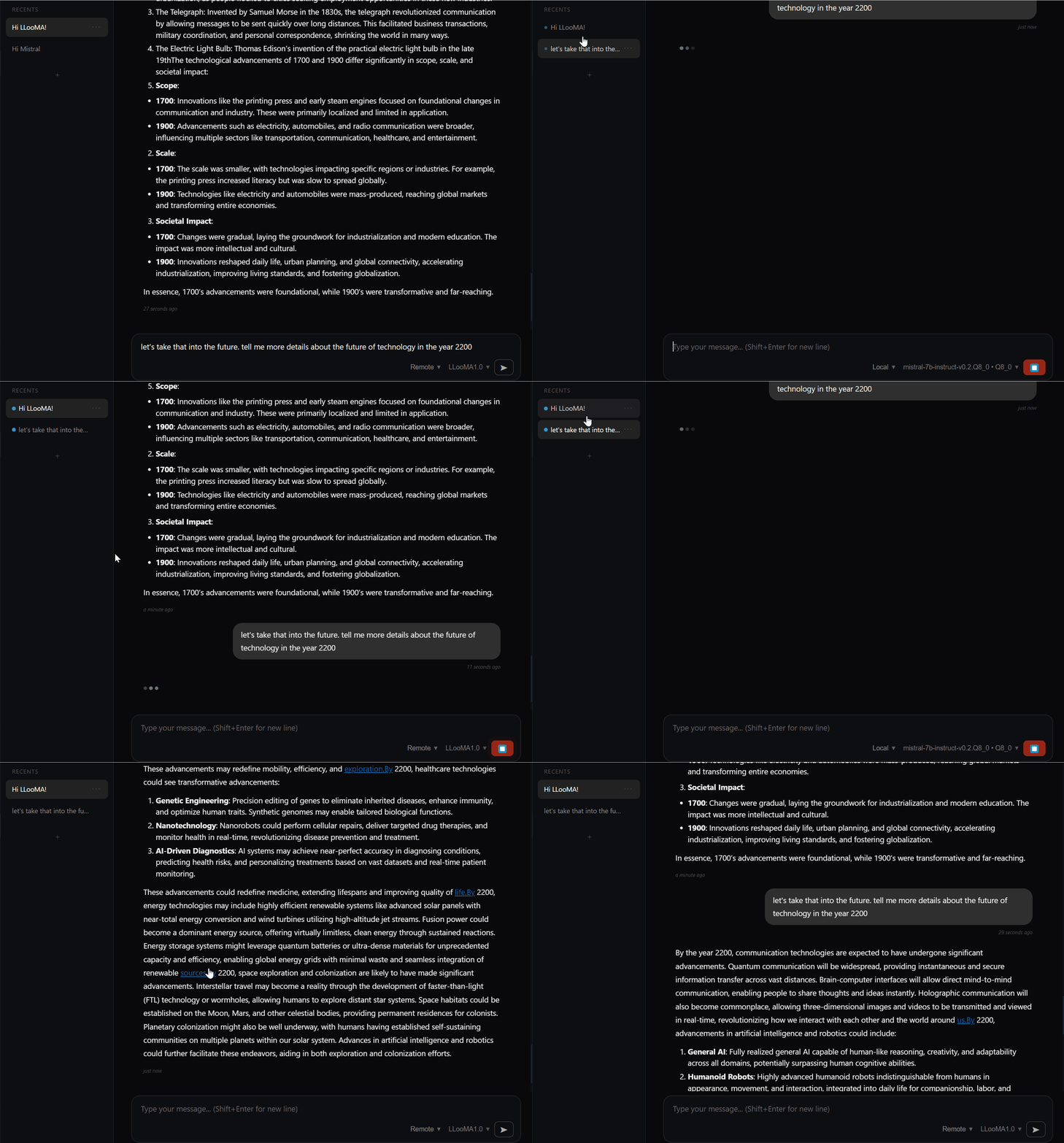
You can now run several conversations in parallel, each with fully isolated state. Every chat gets its own independent context, so responses always land in the right tab — no cross-talk between conversations. A pulsing indicator on each tab shows you which chats are actively streaming, so it’s easy to keep track of what’s running where.
2. Multiple Models Loaded at Once
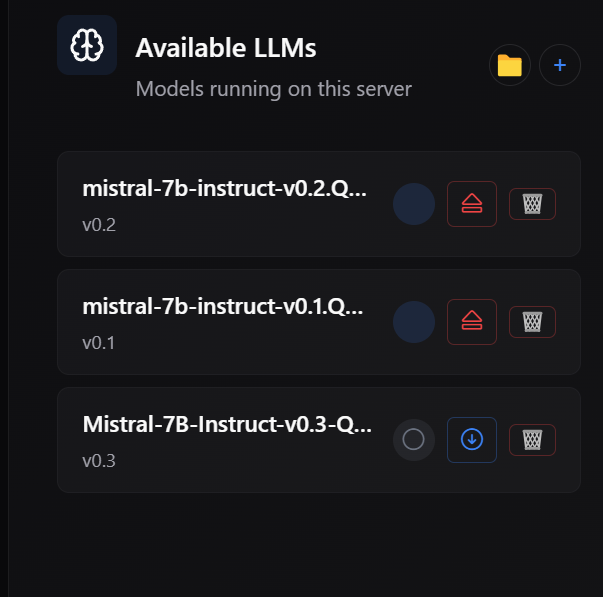
This is the headline feature of v1.6.0. PeerLLM can now hold multiple models in memory simultaneously, routing each conversation to the right one automatically. Switching between models is instant when they’re already loaded, and the app handles all the bookkeeping behind the scenes.
3. Smarter Memory Management
To make multi-model concurrency work reliably, I rebuilt how PeerLLM manages GPU memory:
- Pre-flight VRAM checks: before loading a model, PeerLLM estimates how much VRAM it will need and confirms there’s room. If there isn’t, you get a clear message instead of a silent failure.
- Smart eviction: when memory gets tight, PeerLLM intelligently unloads idle models to make room, prioritizing auto-loaded models over ones you loaded manually. Active conversations are never interrupted.
- Automatic cleanup: idle models are released after a period of inactivity so your GPU isn’t holding onto memory you’re not using.
- Clearer error messages: when something does go wrong, you get actionable guidance like “Model X requires 8 GB but you only have 4 GB free” rather than cryptic errors.
I also fixed a number of underlying memory issues that could cause VRAM fragmentation, stuck model states, or runaway context growth over long sessions. The result is a noticeably more stable experience, especially for users running PeerLLM for hours at a time.
4. Eviction Warnings
Before automatically unloading a model to make room for a new one, PeerLLM now shows a warning dialog listing exactly which models will be evicted. You can confirm and proceed, or cancel to keep your current setup. No more surprises when working with large models on a single GPU.
5. Compute-Mode-Aware Loading
VRAM checks now respect your compute mode setting. CPU-only mode skips GPU checks entirely, Dynamic mode lets the loader manage layer allocation itself, and GPU-only or Custom modes run full pre-flight validation. Error messages include suggestions tailored to your current mode — for example, recommending a switch to Dynamic mode to enable CPU offloading.
6. Required Updates for New Hosts
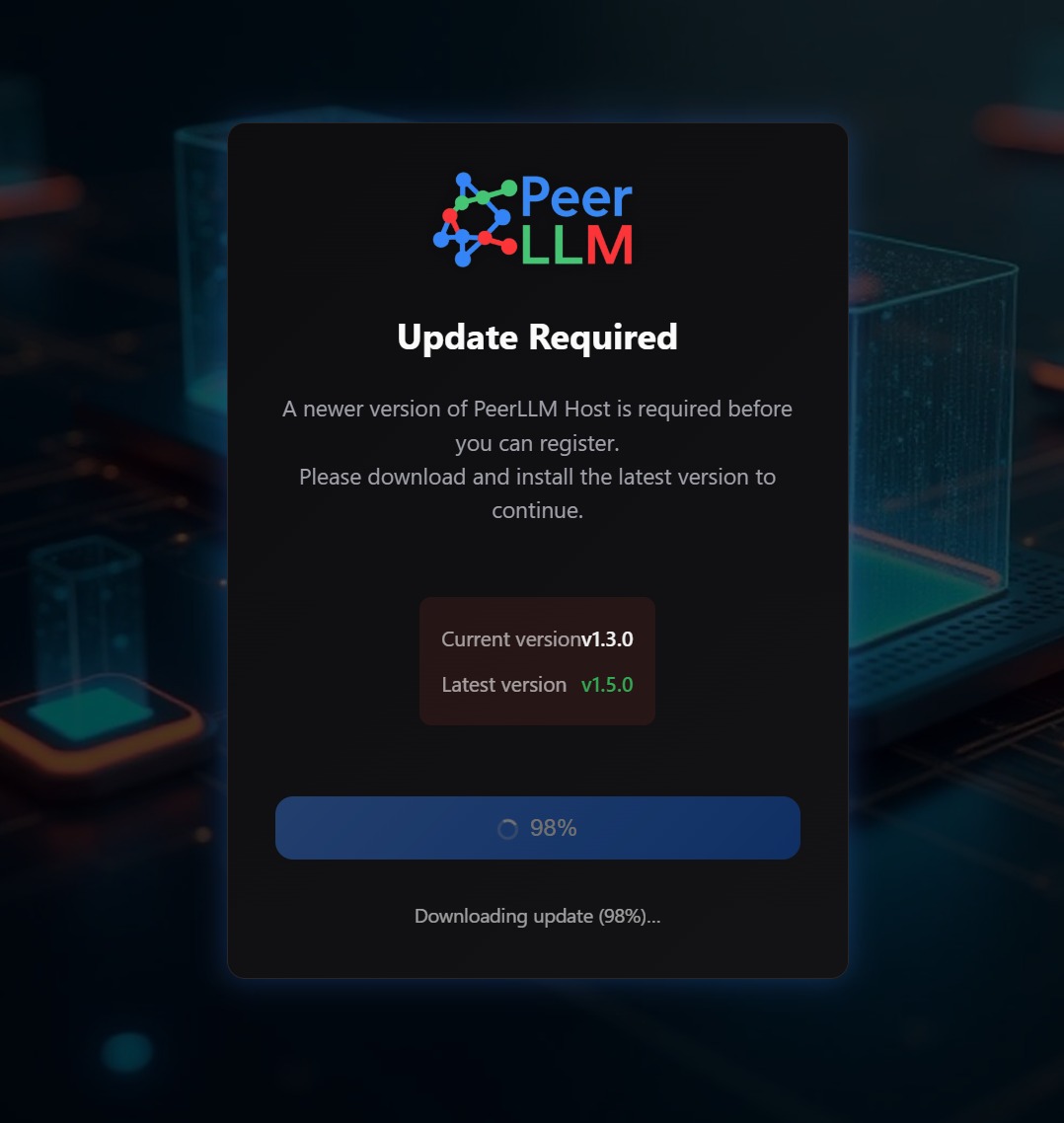
Hosts joining the PeerLLM network are now required to run the latest version. When an outdated host tries to connect, an update prompt appears with a one-click download and install flow. This keeps the host network running on compatible code and makes rolling out improvements much smoother.
7. Refreshed About Window
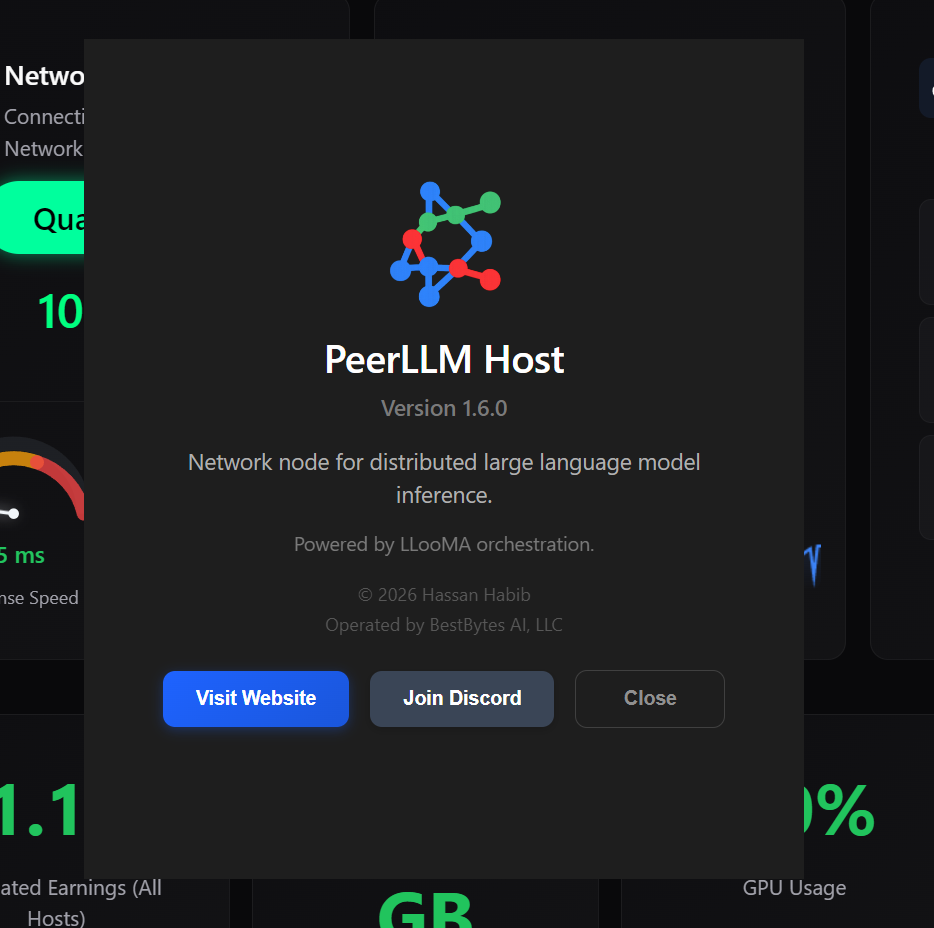
I replaced the default system About dialog with a custom window that better reflects the PeerLLM brand — version info, quick links to the website and Discord, and a cleaner look overall.
8. New: Redeem Token Codes from the Hosts Portal
v1.6.0 also introduces a capability I’ve had a lot of requests for: redeeming token codes directly from the hosts portal.
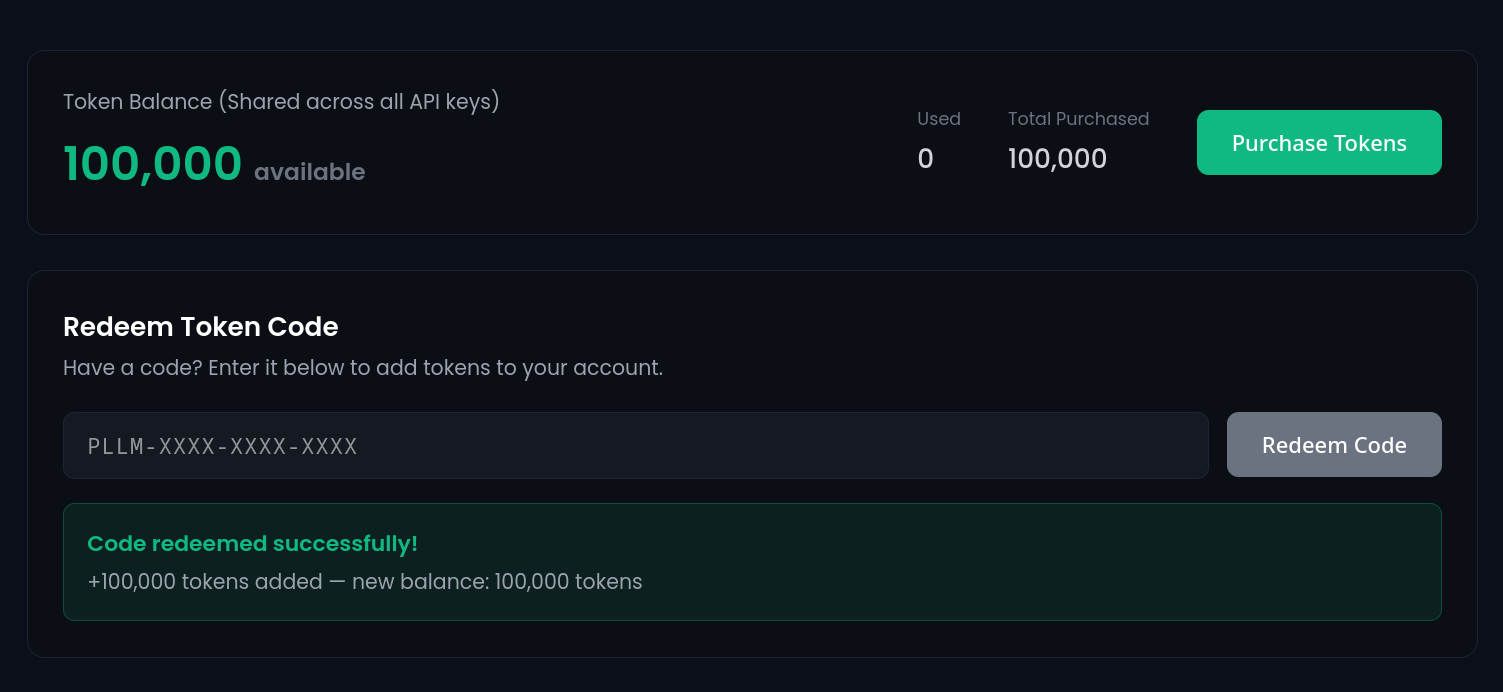
If you’ve received a token code — from a campaign, a partner, or a promotional drop — you can now redeem it in the hosts portal to top up your balance and use the PeerLLM API right away. No support ticket, no manual account adjustments. Paste the code, confirm, and your tokens are available immediately.
This is the first step in a broader set of portal capabilities I’ll be rolling out over the coming releases.
If you are the first person to read this post, here's a free PeerLLM token code as a thank you: PLLM-VRK7-PTRD-FYM2
If the code is already redeemed, reach out on Discord and I will give you a free token :-)
9. Getting v1.6.0
Existing users will be prompted to update automatically. New hosts will be required to update before joining the network.
As always, I’d love to hear your feedback — join us on Discord or drop us a note through the portal. Happy inferencing.
~ Hassan Habib